
In this article
- Transverse Reporting & Alerting
- Sales & CRM
- Customer Support
- HR
- Technology & development
- Customer Success
- Conclusion
- FAQ
With more than 50 million users for Slack and an estimated 300–400 million for Teams, these platforms hardly need an introduction. Originally launched in 2014 and 2016 as workplace messaging tools, they quickly became essential communication tools inside most companies.
But in 2026, Slack and Teams are no longer just chat applications.
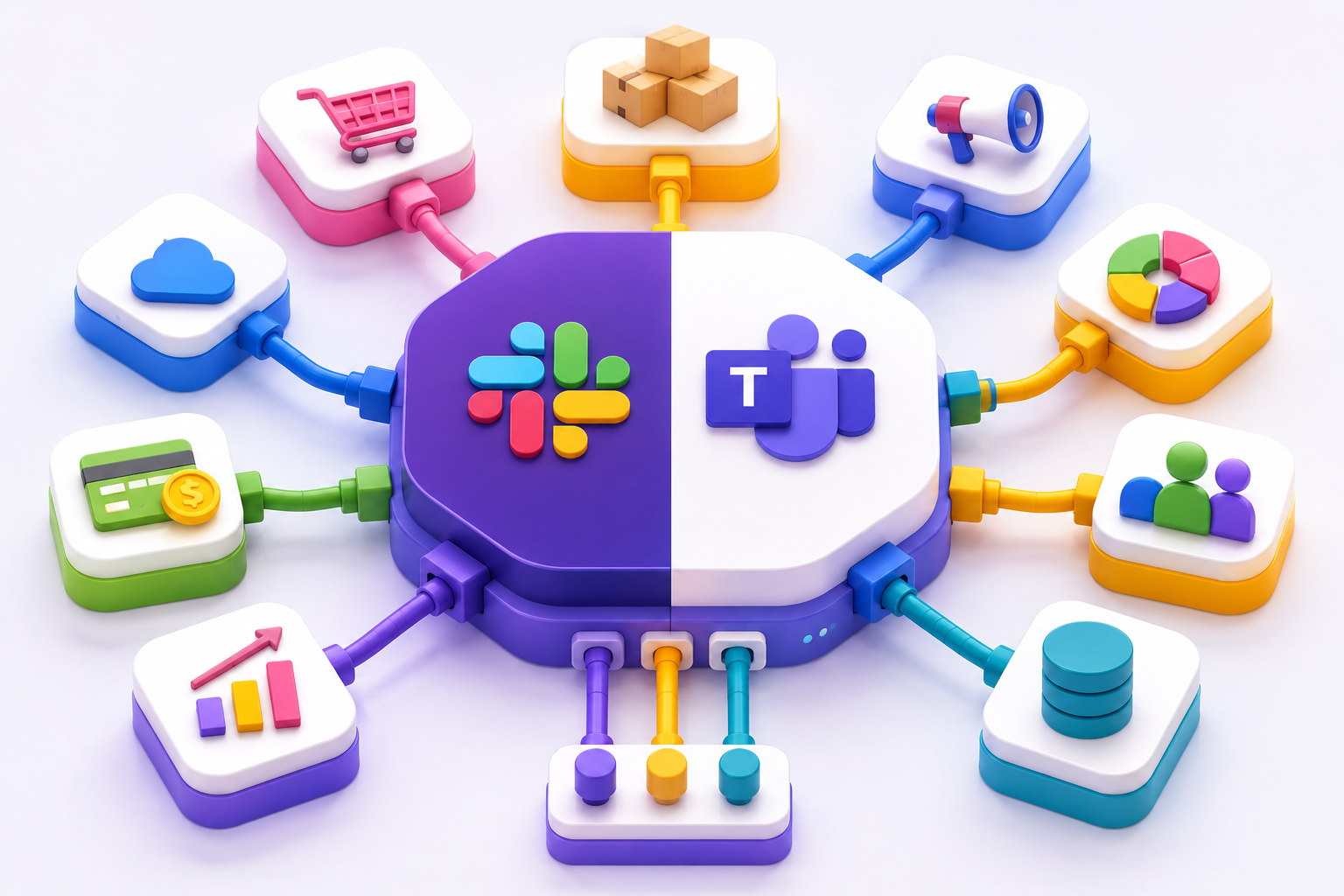
Over the past years, both platforms have evolved into central hubs where employees communicate, collaborate, automate workflows, manage knowledge, interact with AI agents, and connect business-critical tools. For many organizations, work no longer happens around Slack or Teams, it happens inside them.
In this article, we’ll explore how Slack & Teams platforms are progressively transforming into true "Work Operating Systems".
Transverse Reporting & Alerting
One of the earliest use cases that emerged on both Slack and Microsoft Teams was reporting and alerting, and that is quite natural.
If employees already spend most of their day inside such platforms, why force them to switch between dashboards, and monitoring tools? Embedding business information directly into collaboration channels allows teams to stay informed in real time, right where conversations and decisions already happen.
Many companies now use dedicated channels as live operational feeds reflecting the activity of a team, department, or even the entire business.
Here are a few common examples across different functions:
-
Reporting
- Sales
Periodic pipeline updates, recently closed deals, revenue evolution, or sales performance summaries automatically pushed to the sales team. - Marketing performance reports
Incoming leads, advertising spend, campaign performance, conversion rates, or SEO metrics shared directly with marketing teams. - Finance metrics
Cash flow monitoring, churn evolution, budget vs. actual comparisons, or subscription performance updates. - Manufacturing & operations
Production throughput, quality indicators, operational efficiency, or delivery performance tracking.
- Sales
-
Alerts
- Production & IT
Downtime notifications, SLA breaches, failed deployments, or infrastructure incidents. - Supply chain
Inventory shortage alerts, delayed shipments, or supplier disruptions. - Customer success
Drops in customer satisfaction scores, escalation warnings, or critical support tickets. - Finance
Unexpected transactions, fraud detection alerts, or abnormal spending patterns. - Sales
Notifications for newly signed customers, important renewals, or churned accounts.
- Production & IT
🧐 How?
Setting this up has become remarkably easy. Most modern SaaS platforms now provide native Slack or Teams integrations, allowing companies to connect their tools and workflows in just a few clicks.
Sales & CRM
What if it was possible to access and manage CRM data directly from Slack or Teams while discussing it with colleagues in the same place where conversations already happen? This vision is no longer theoretical. It is now a core part of both the Salesforce–Slack and Microsoft Dynamics–Teams strategies. Recent integrations allow employees to interact with CRM platforms without ever leaving their collaboration solution. Instead of constantly switching tabs between communication tools and business applications, teams can now access customer information and perform operational tasks directly within Slack or Teams. Here are a few examples of actions that can now be performed directly from these platforms:
- Consult personal or sales department KPIs
- Declare or update opportunities
- Search for customers or leads
- View client activity and interaction history
- Edit customer profiles
- Move opportunities through pipeline stages
🧐 How?
From Slack, Salesforce is natively integrated, see details here.
From Teams, Dynamics is naturally managed, but also from SalesForce via nBold.
And this trend goes beyond Salesforce or Dynamics: most modern CRM platforms now offer Slack or Teams integrations to bring customer operations directly into the collaboration layer.
Customer Support
Customer support has traditionally followed the same pattern across most B2B companies:
- On client side: email or live chat
- On support side: a dedicated SaaS platform
It worked… but there was always a major drawback: both customers and support agents had to leave their daily workspace to either ask for help or answer requests. Meaning: frequent context switching, extra login and connection friction, fragmented, conversations, privacy and governance concerns
This is now part of the past 🎉
Indeed customer support can indeed now stay in Slack or Teams for one of both sides. What does it exactly mean?
- For customers or employees: they can ask questions directly from Slack or Teams, without opening another tool.
- For support agents: they can manage and respond to requests directly from their existing communication environment again from Slack or Teams.
Hybrid setup are also possible, where only one “side” uses Slack or Teams.
The result is a much more seamless support experience, with conversations happening where people already work.
🧐 How?
Solutions depend on the target setup, but one company with significant experience in Slack/Teams support is Foqal.
HR
If there is one department that was initially perceived as less impacted by collaboration platforms like Slack or MS Teams, it was probably HR.
At first, these platforms were mainly associated with IT, engineering, or project collaboration. But this perception has changed significantly recently. HR teams are now leveraging Slack and Teams as central hubs for employee experience and day-to-day HR operations.
Today, many HR workflows can be managed directly within Slack or Teams, including:
- PTO and leave tracking
- Employee recognition and peer appreciation
- Training and learning management
- New hire onboarding programs
- Employee engagement surveys
The key shift being that employees no longer need to leave their collaboration platform to interact with HR processes, confirming the idea of Slack and Teams becoming…work OS.
🧐 How?
Several solutions exist, here are some of them: BirthdayBot, VacationTracker, Blify, Donut
Technology & development
Tech professionals have historically been among the earliest adopters of collaborative platforms. Developers are constantly looking for faster, smarter, and more efficient ways to work, and are generally very open to experimenting with new tools and workflows.
This is one of the reasons why, in many large companies, engineering teams often end up using a different collaboration platform from the rest of the organization. A very common setup today is developers working primarily in Slack, while the broader company operates on Microsoft Teams. convly can clearly help in such situations and this article explains why they occur quite frequently.
But beyond messaging, what can developers actually do directly from Slack or Teams today?
Quite a lot, actually.
- Modern collaborative platforms have progressively become true operational hubs for tech teams, allowing developers to stay within their daily communication environment while interacting with the tools they use most.
- Production monitoring and incident management
- CI/CD pipeline notifications
- Code repository management: pull requests, commits, reviews, deployments…
- Bug and ticket management
- Agile project management
- Sprint and backlog tracking
- Standup meeting automation
And why do they prefer staying in Slack or Teams? Once again to reduce context switching, which has a strong impact on focus and concentration.
🧐 How?
Both Slack and Teams now offer very rich ecosystems for developers and DevOps teams.
Slack even created an entire dedicated category for developer tools, covering areas such as monitoring, CI/CD, project management, cloud infrastructure, security, and incident response.
Customer success
Customer Success is also a department where solutions like Slack or Microsoft Teams can bring significant value on a daily basis, across many different situations:
- Onboarding phase: during such a strategic period, staying close to the client is essential.
- Proactive engagement: Customer Success teams can receive alerts when specific customer signals are detected, such as technical issues, suspicious behavior, upcoming renewals, or potential downgrades.
- Reactive communication: when customers, especially strategic accounts with dedicated Slack or Teams channels, ask questions, Customer Success managers can respond directly from the communication tool already used by the client.
If there is one department where client collaboration is absolutely critical, it is clearly Customer Success. Unlike traditional support, which is often more ticket-oriented, Customer Success is all about building a seamless and ongoing relationship. Using the same communication platform as customers therefore becomes a major advantage
🧐 How?
For proactive alerts, some tools such as Vitally can help.
Regarding Slack <> Teams, convly can obviously help a lot of customer success members to stay in Slack with Teams clients.
Conclusion
There’s probably no department today where Slack or Teams is still considered just a basic chat tool.
With more than 2,000 apps available across the Slack and Teams marketplaces, almost any external tool can now be integrated directly into the place where work already happens. This allows employees to access key information, automate workflows, and collaborate without constantly switching between applications.
And with AI agents now entering the game, even more activity will happen directly within Slack or Teams. These platforms are rapidly evolving from simple communication tools into true digital work hubs, making them more essential than ever for most organizations, and increasingly resembling operating systems (OS) for the workplace.